Metalex Security, Scarborough
SafetyCam: from the first measurement to a page on the website
SafetyCam runs inside the Metalex website. Sales measures on site, the office quotes, installers add their photos, and every finished job becomes a project page that helps the next customer find Metalex.
How a job moves
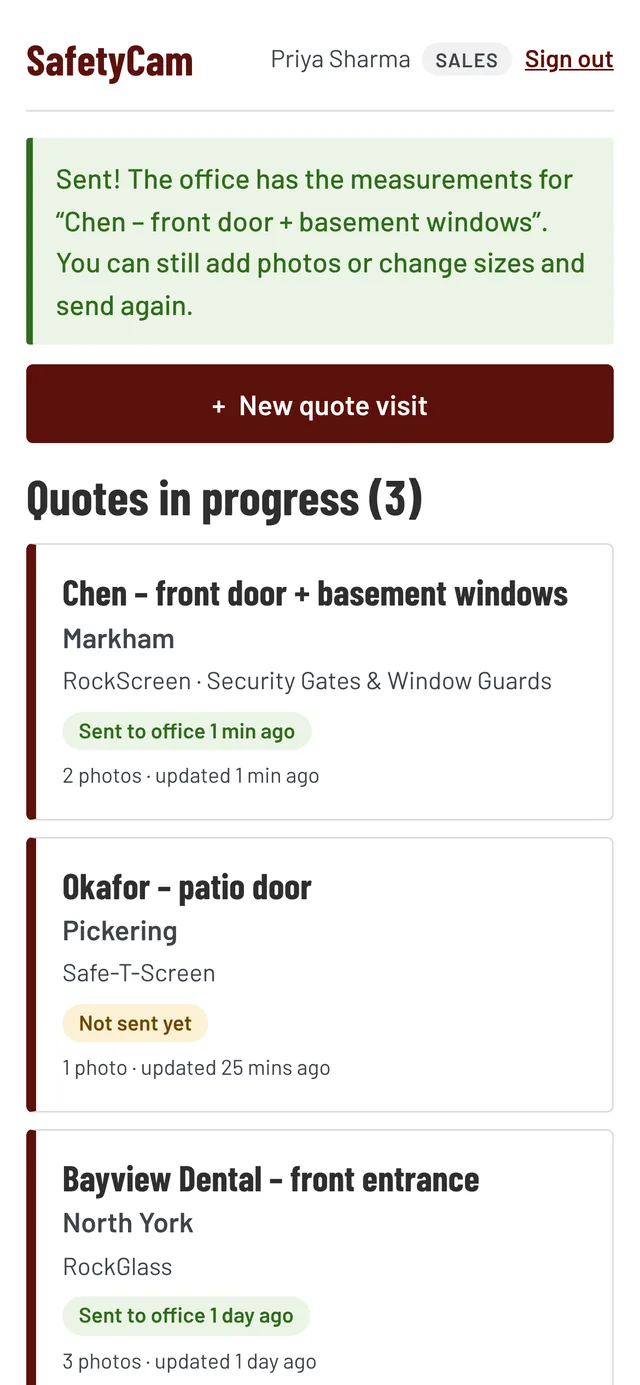
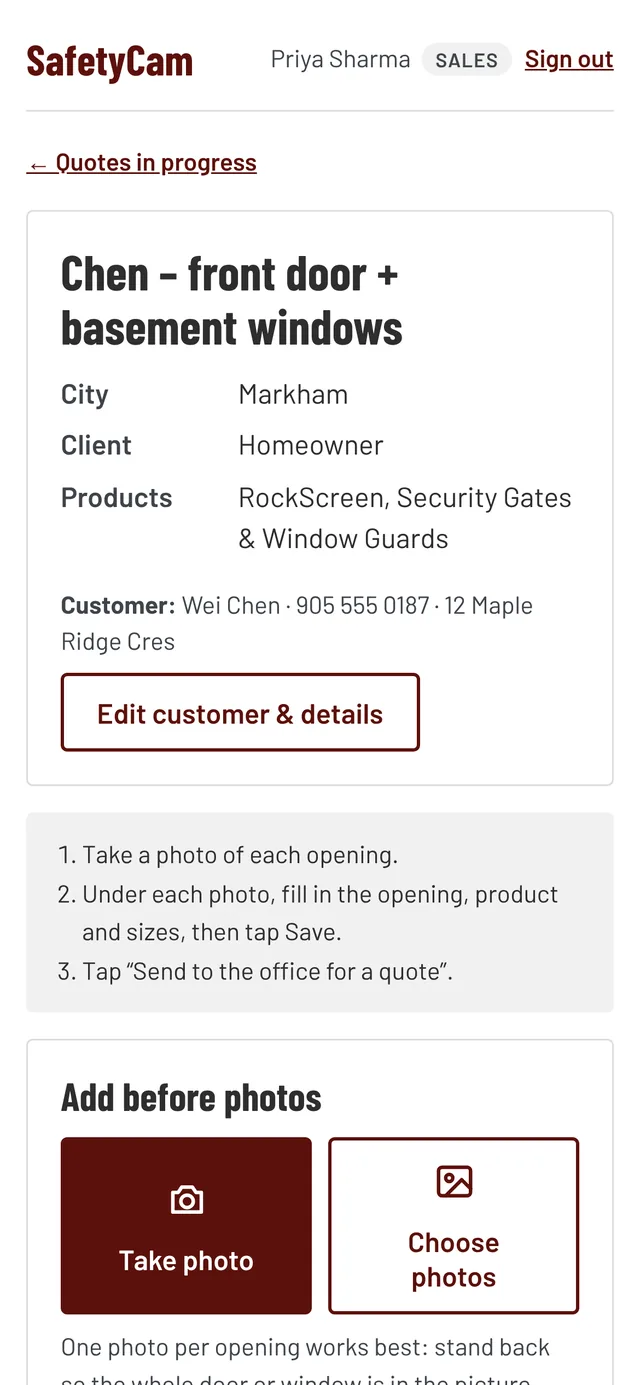
- Sales takes a photo of each opening on site and fills in the product and sizes under it
- One tap sends it to the office, which builds the quote from the measurements or prints a quote sheet
- When the customer says yes, the office marks it Sold and installers see the job on their phone
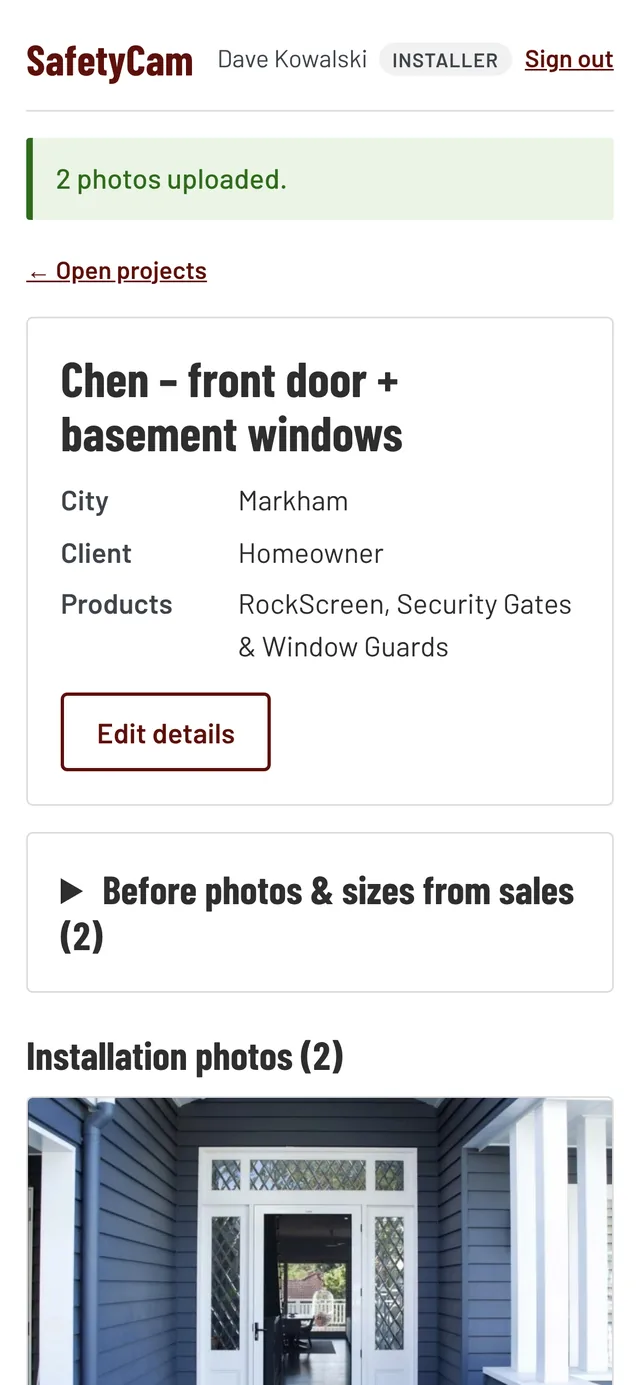
- Installers get the before photos and sizes from sales and add their installation photos
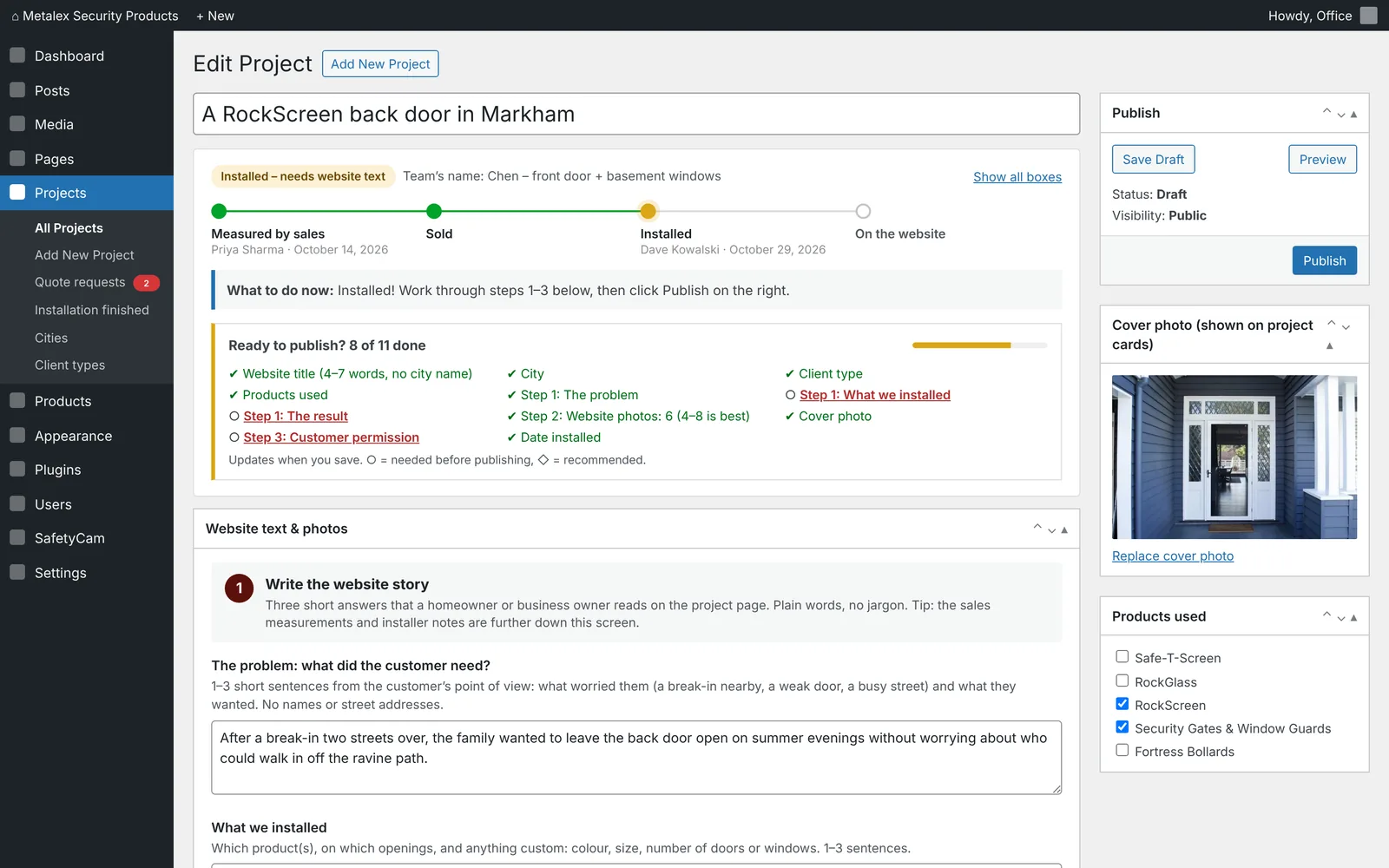
- The office writes a short story for the website and publishes it as a project page, by city, client type and product
On the phone, at the door
Sales and installers each see only what they need: quotes in progress for sales, open jobs for installers, with large buttons made for use on site.
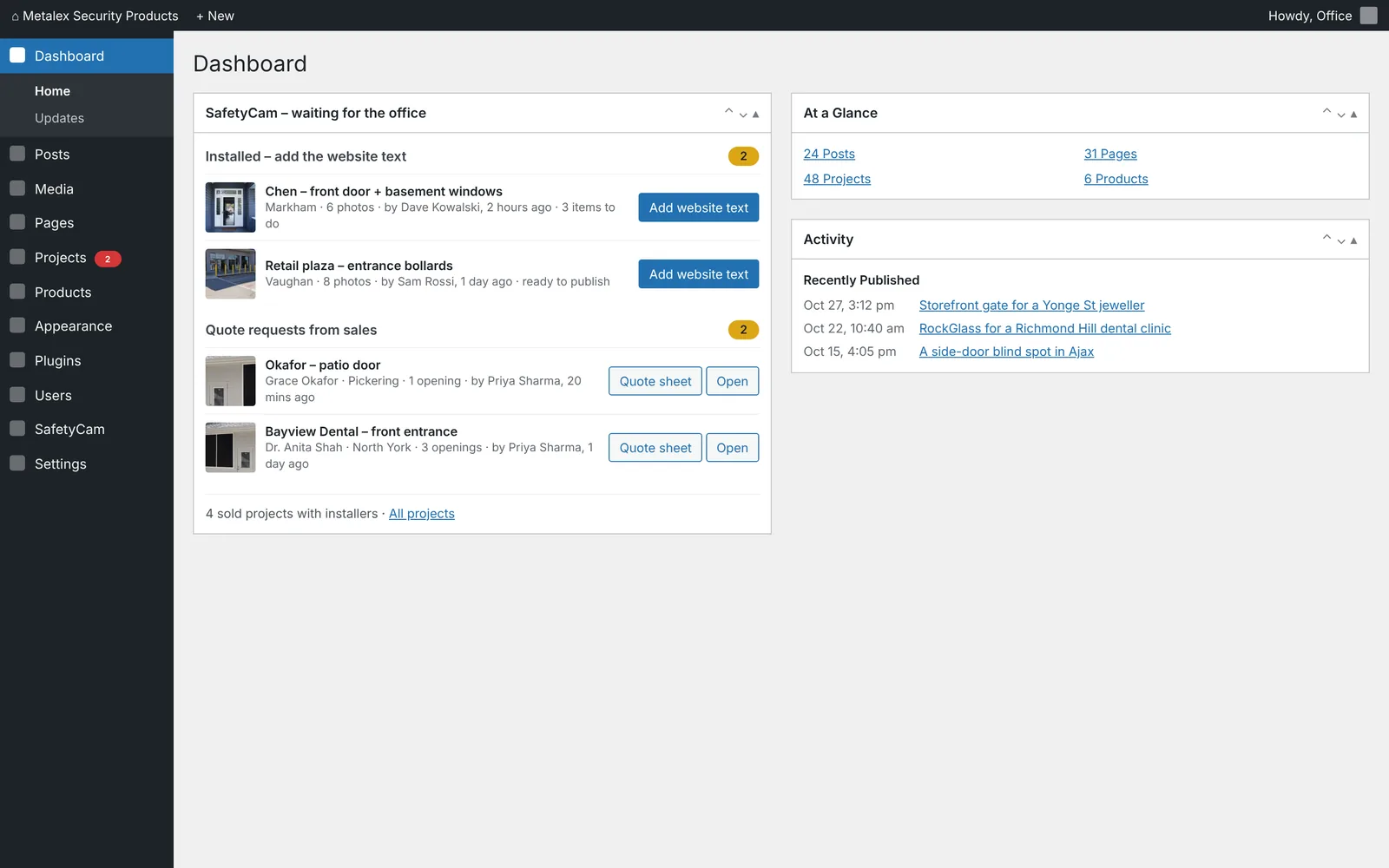
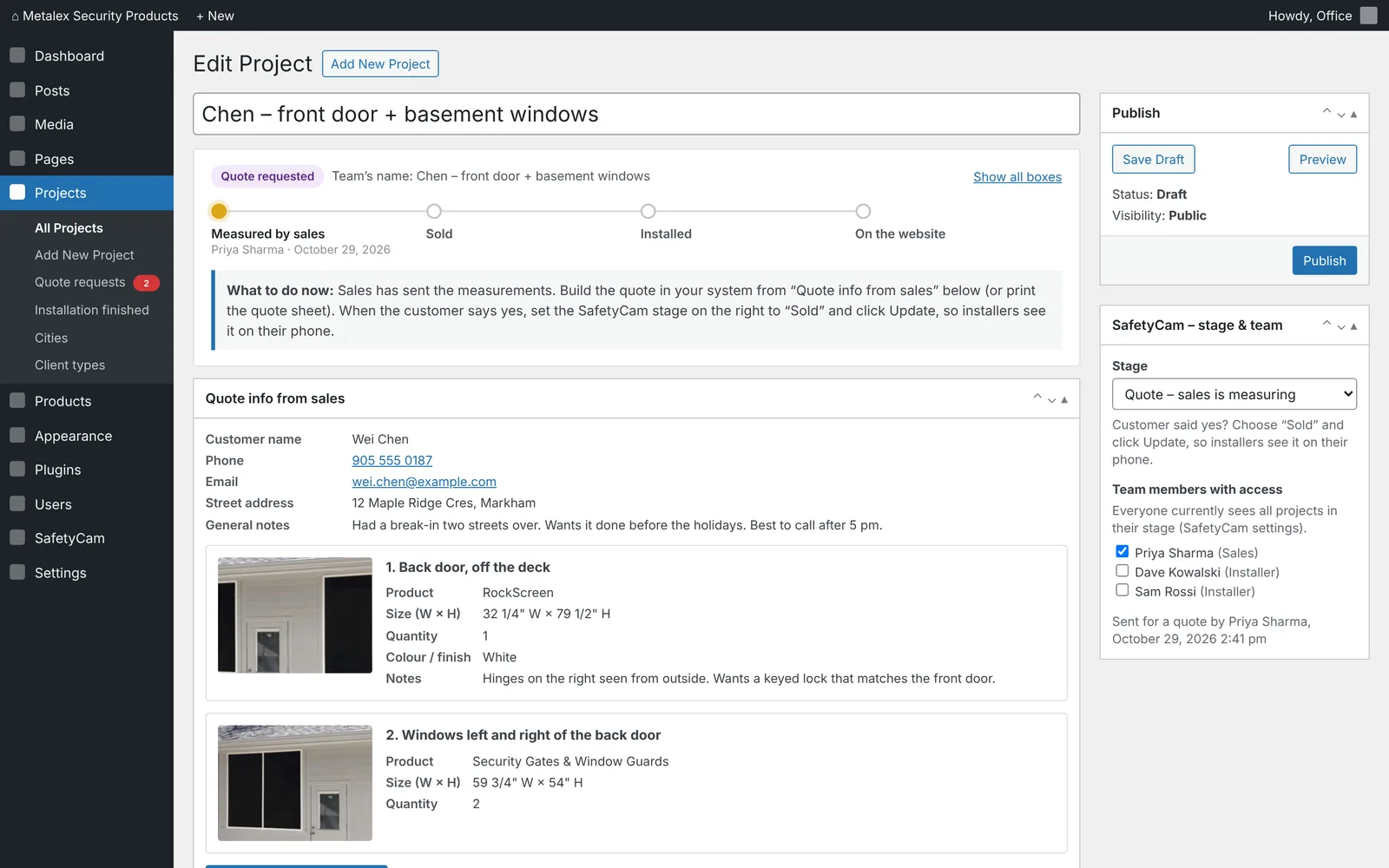
The office sees every quote request
Measurements, photos, products and the customer's notes arrive in WordPress, with a clear next step at the top of every project.
Every installed job becomes content
A checklist walks the office through the project page: the problem, what was installed, the result, at least four photos and the customer's permission. Nothing goes live without it.